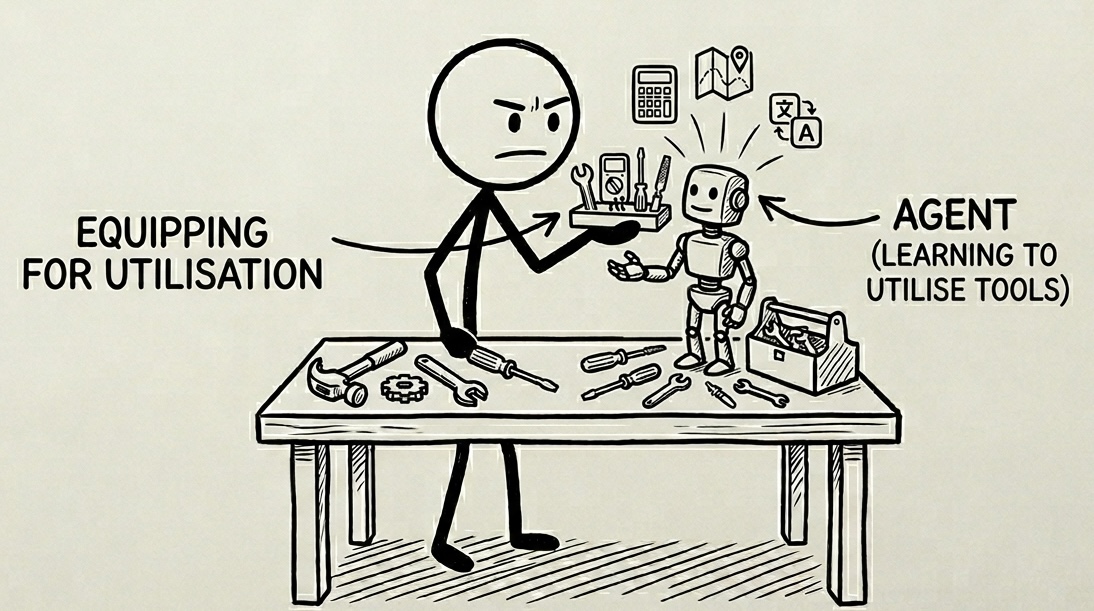
Key insights
- Use rules for clear cases. Use LLM only for fuzzy cases (ambiguous comments, unclear signals).
- LLM is a last resort, not a first resort.
- Agent quality depends on decomposition quality, not prompt quality.
The most common mistake when building agents: assuming more tools means a smarter agent. The opposite is true.
Better tools = smarter agent. Fewer tools = more reliable agent.
What a Tool Actually Is
A tool is simply: something the AI can’t do on its own.
The LLM is excellent at reasoning over text. It cannot, by itself:
- Get real-time data (weather, prices, news)
- Access your files or databases
- Perform precise calculations
- Send emails or make API calls
- Write to disk
When a task requires any of these, add a tool. When it doesn’t, don’t.
The “Do I Need a Tool?” Test
Before adding anything, ask:
- Can the model answer this using just reasoning?
- Or does it need real-world data or actions?
| No tool needed | Tool needed |
|---|---|
| ”Rewrite this email" | "What’s the weather right now?" |
| "Summarise this text" | "Search the latest news" |
| "Explain this concept" | "Calculate compound interest" |
| "Write a poem" | "Pull data from my spreadsheet” |
Rule: If it requires external data or action → use a tool. If not → don’t add one.
Design Principle: One Tool, One Job
Bad tool (too much in one function):
manage_files(action, file, destination, overwrite, format, permissions)Good tools (each with a single, clear purpose):
read_file(path)
write_file(path, content)
delete_file(path)
When a tool does too many things, the agent gets confused about when and how to use it, and errors become hard to trace.
The Part Most People Get Wrong: Tool Descriptions
Building the tool is the easy part. Telling the agent when and how to use it is where most people fail.
Bad description:
“Calculator tool”
Good description:
“Use this tool whenever maths is required. Never guess calculations. Always call this tool for arithmetic, percentages, growth rates, or compound interest.”
The description is the instruction. A tool with a vague description will be misused. A tool with a precise description will be used correctly.
Use AI to Design Your Tools
Before writing code:
I am building an AI agent.

My goal:
[describe goal]

Here is what I think the agent needs to do:
[list actions]

Which of these require tools?
What tools should I create?
Keep them simple and minimal.

Return:
1. Tool list
2. Tool descriptions
3. Inputs required for each tool
This saves significant time and usually produces a cleaner tool design than starting from scratch.
Diagnosing Tool Failures
Run real tests and watch for these failure modes:
| Failure | Likely cause | Fix |
|---|---|---|
| Agent doesn’t use the tool | Description too vague | Clarify when to call it |
| Agent calls it with wrong inputs | Inputs not well-defined | Tighten the schema |
| Agent hallucinates instead of using tool | Rules not strict enough | Add explicit instruction: “Never guess. Always use the tool.” |
See Also
- Tool Design for Agent Harnesses — the architectural companion to this primer; per-turn schema rent, overlap-as-drift, branching factor, the shell-as-tool-of-tools, and the four earned properties a first-class tool must satisfy
- Agent-Computer Interface (ACI) — the engineering discipline on top of these basics; mistake-proofing, format alignment, the docstring heuristic; why Anthropic spent more time on tool definitions than the system prompt for SWE-bench
- AI Agents - How They Work
- Building Your First AI Agent
- Agent Memory
- 12-Factor Agents — factors 1 and 4: natural language to tool calls, and “tools are just structured outputs” — the model emits JSON with an intent, your code decides what to do with it